Custom T-Shirt Design with AI -- From Idea to Editable Artwork
Turn a written idea into an editable T-shirt artwork draft in one browser workflow. MerchBanao combines generation, background removal, text and image layers, shirt previews, and a 4200 × 4800 PNG export; you still review originality, rights, and the target product template.
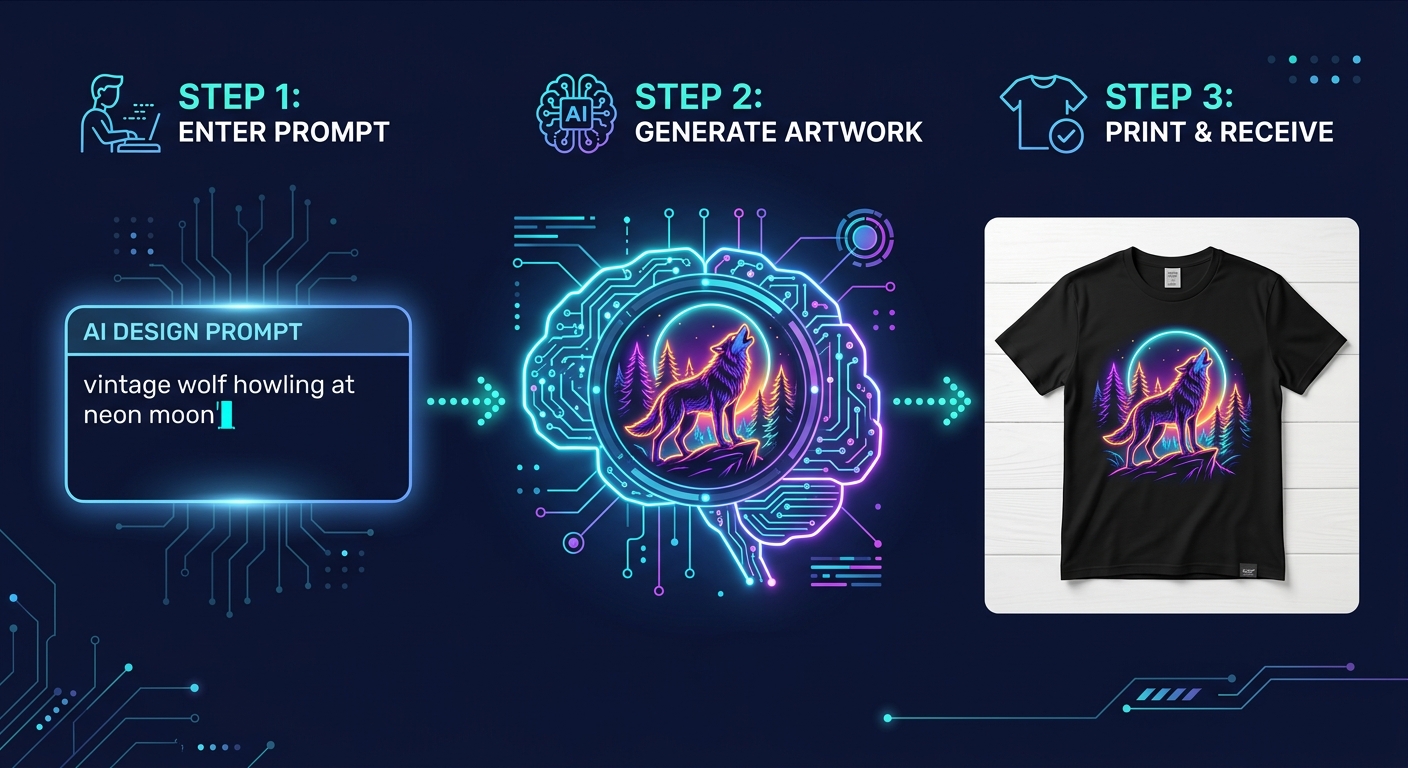
#Design a Custom T-Shirt with AI in 3 Steps
AI can shorten the first-draft stage, while prompt iteration, cleanup, spelling checks, product-template setup, rights review, and sampling still take as long as the design requires.
Here is the full workflow: Step 1 -- Open MerchBanao and type your design concept as a prompt (e.g., "vintage Japanese wave with koi fish, navy and gold"). Step 2 -- The AI generates an artwork draft. Step 3 -- Remove the background, inspect the edges, adjust placement in the canvas editor, and export a 4200 × 4800 PNG to check against your printer's current product template.
#AI vs Designer vs Templates: Which Makes the Best Custom Tee?
There are three ways to get a custom t-shirt design. Each has a different cost, speed, and quality profile:
| Method | Time | Cost | Originality |
|---|---|---|---|
| AI (MerchBanao) | Varies by iteration | Starter credit, then credit packs | Review required |
| Freelance Designer | 3-7 days | $50-$500+ | Unique |
| Template Builder (Canva) | 30-60 min | Free-$15/mo | Non-exclusive |
| Design Agency | 1-3 weeks | $500-$5,000+ | Unique |
AI is useful for fast visual exploration and lower-cost iteration. A designer remains the better choice when the work needs original brand strategy, precise typography, vector construction, production files, or accountable creative direction.
#Custom T-Shirt AI Prompt Guide
The quality of your AI-generated custom tee depends heavily on how you write your prompt. The formula: Subject + Style + Color Palette + Composition.
Example: "golden retriever wearing aviator sunglasses, retro 70s illustration style, warm amber and brown palette, circular badge shape -- white background, clean edges for t-shirt printing"
The more specific you are about style and composition, the more print-ready the output. Vague prompts produce vague results. Specific prompts produce designs you can sell.
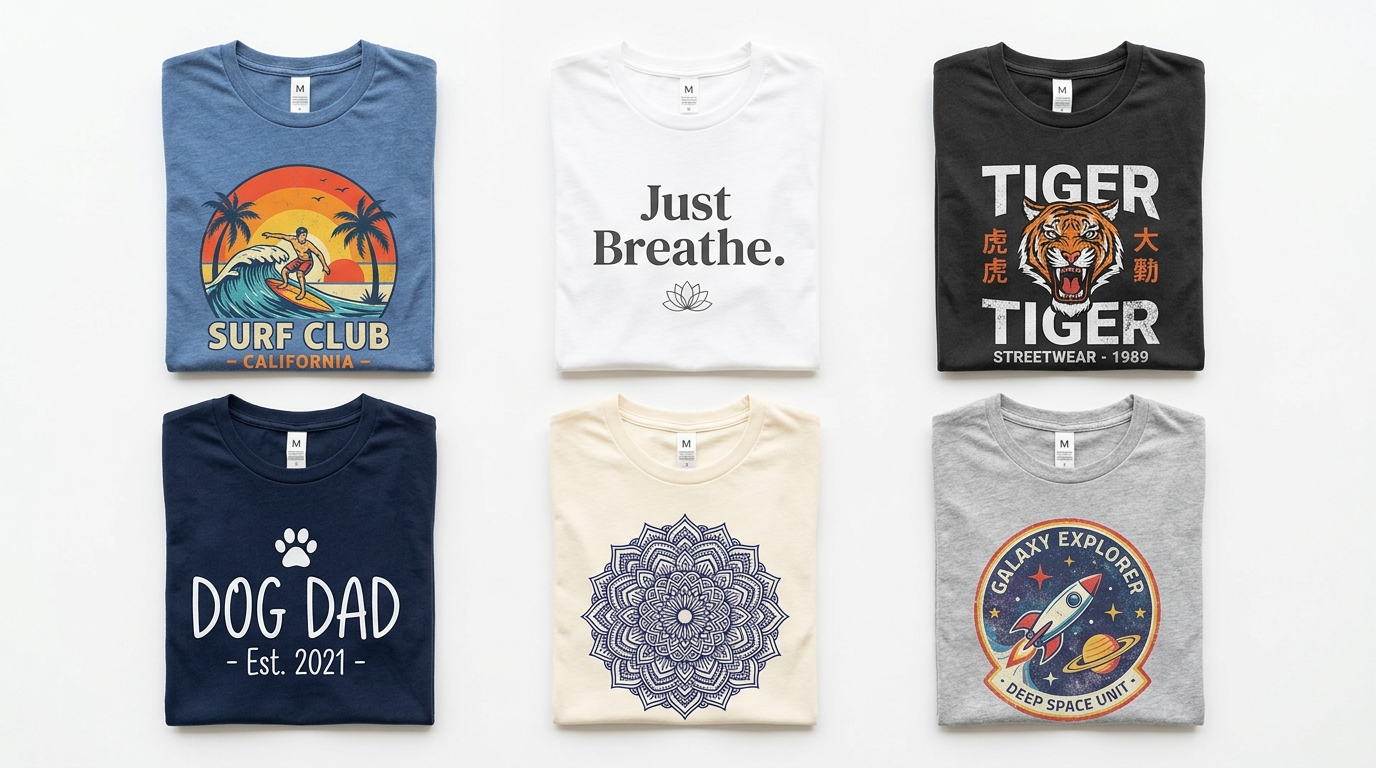
- "Vintage surfboard badge with tropical palm, aged orange and teal palette"
- "Minimalist single-line wolf howling, thin line art, no fill, black on white"
- "Bold Gothic typography BEAST MODE across a roaring lion, streetwear style"
- "Cute kawaii astronaut floating in pastel space, soft gradient background"
- "Retro 80s skeleton riding a motorcycle, neon pink and electric blue"
- "Botanical wildflower wreath with NO RAIN NO FLOWERS text, cottagecore style"
#From Custom Design to Print: Platform Requirements
Before your custom design reaches a printer, it needs to meet specific technical requirements. MerchBanao exports a fixed 4200 × 4800 transparent PNG. Compare it with each target's current template:
- DTG printing: PNG with transparent background, 300 DPI minimum
- Amazon Merch by Amazon: PNG transparent, 4500x5400px, under 25MB
- Redbubble: PNG no background, 7632x9933px recommended for full-bleed
- Printify: PNG transparent, 300 DPI, at least 2000px
- Printful: PNG 150+ DPI minimum, 2000-8000px recommended
- Local print shop: ask for the exact dimensions, color mode, and file format before production
How It Works
A browser workflow for an artwork draft
Prompt it
Describe your vision in text.
Refine it
Tweak colors, layout and text.
Export and check
Download a 4200 × 4800 PNG, then check the product template.
Frequently Asked Questions
Everything you need to know about custom t-shirt design AI
Related Tools & Guides
Everything you need to design, launch & sell
Ready to turn this guide into
a print-ready design?
Unique AI Graphics. Print-Ready Export. No Design Skills.