AI T-Shirt Design Generator
Turn a written brief into T-shirt artwork, then edit text and image layers, remove the background, check a shirt preview, and export a 4200 × 4800 PNG. A verified account starts with one free generation credit.
#What an AI T-Shirt Design Generator Actually Does
An AI T-shirt design generator turns a written brief into artwork that you can refine for a shirt. MerchBanao combines that first generation with the less glamorous work that comes next: removing a background, arranging image and text layers, checking a shirt preview, and exporting a large PNG.
It does not choose your customer, clear intellectual-property rights, or know the template for every printer. Those decisions stay with you. The useful part is having generation and editing in the same browser session instead of moving a rough image through several unrelated apps.
- Generate artwork from a text prompt
- Upload a PNG, JPEG, WebP, or another browser-supported image
- Remove a background and work with transparent artwork
- Add text from a set of 50 editor fonts
- Move, resize, rotate, duplicate, and layer objects
- Preview the composition on a shirt mockup
- Export a 4200 × 4800 pixel PNG
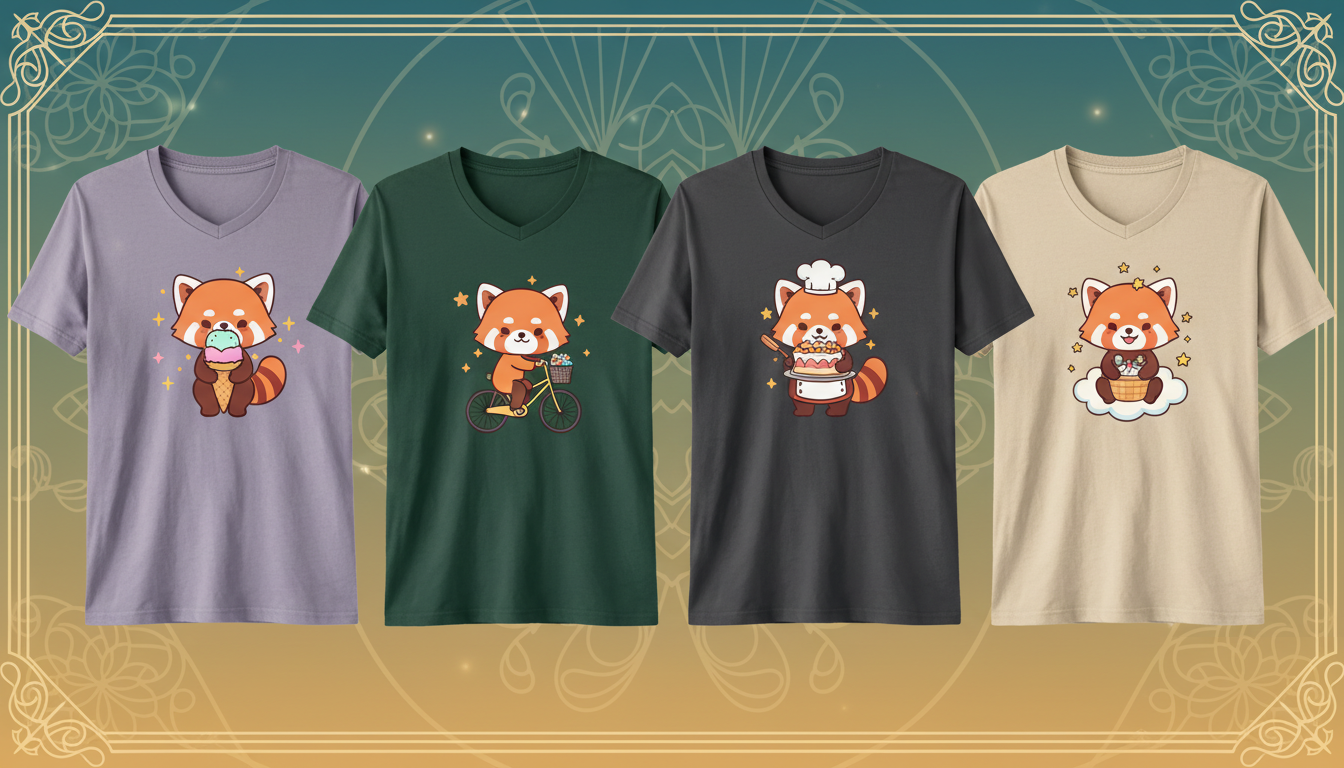
#How to Generate a T-Shirt Design in Six Steps
- 1
Write the buyer brief. Name the audience, subject, visual direction, palette, and intended print placement.
- 2
Generate a few directions. Treat the first output as a draft. Reject weak lettering, familiar intellectual property, and compositions that need a different aspect ratio.
- 3
Edit the selected artwork. Remove the background where needed, reposition the image, and add important wording as an editable text layer.
- 4
Check the shirt preview. Compare scale and contrast on light and dark garments. A mockup helps with composition, but it is not a physical sample.
- 5
Export the artwork. Download the 4200 × 4800 PNG without the mockup background.
- 6
Match the actual product. Open the current provider template, resize or recompose if necessary, inspect at 100% zoom, and order a sample before a larger launch.
#Write a Prompt for the Shirt, Not Just the Image
A useful prompt has a job to do. It should describe the subject and tell the generator how the artwork needs to behave on fabric. Start with this structure:
Original subject + audience + medium + composition + limited palette + production constraints
Weak prompt: "a wolf shirt"
Better prompt: "original geometric wolf and crescent moon illustration for hikers, centered chest badge, navy and warm grey, bold silhouette, clear negative space, no text, no border, isolated artwork"
- Describe an original subject instead of naming a franchise, celebrity, brand, or living artist
- Choose a placement such as compact left chest, centered badge, or large back graphic
- Limit the palette when the design needs strong contrast across garment colors
- Generate the illustration without critical wording, then add exact text in the editor
- Ask for clear negative space when background removal will be part of the workflow
- Do not assume words such as vector, 300 DPI, or print-ready change the output's real file properties
#Edit Text, Layers, and Uploaded Artwork
Generated lettering can look right at thumbnail size and fall apart when you read it. Keep important names, dates, prices, and slogans out of the image prompt. Add them as text after you choose the illustration.
The editor has 50 fonts and separate objects for artwork and text. That lets you correct spelling, change hierarchy, test contrast, and move the composition without paying for another generation. You can also upload existing artwork and use the same canvas controls.
- Keep each headline or supporting line in its own text object
- Use heavier letterforms when small counters and thin strokes may close in print
- Check alignment rather than trusting the generated image's visual center
- Keep a layered source version before exporting a flattened PNG
- Review every uploaded font, image, and phrase for the commercial rights your project needs
#Understand the 4200 × 4800 PNG Export
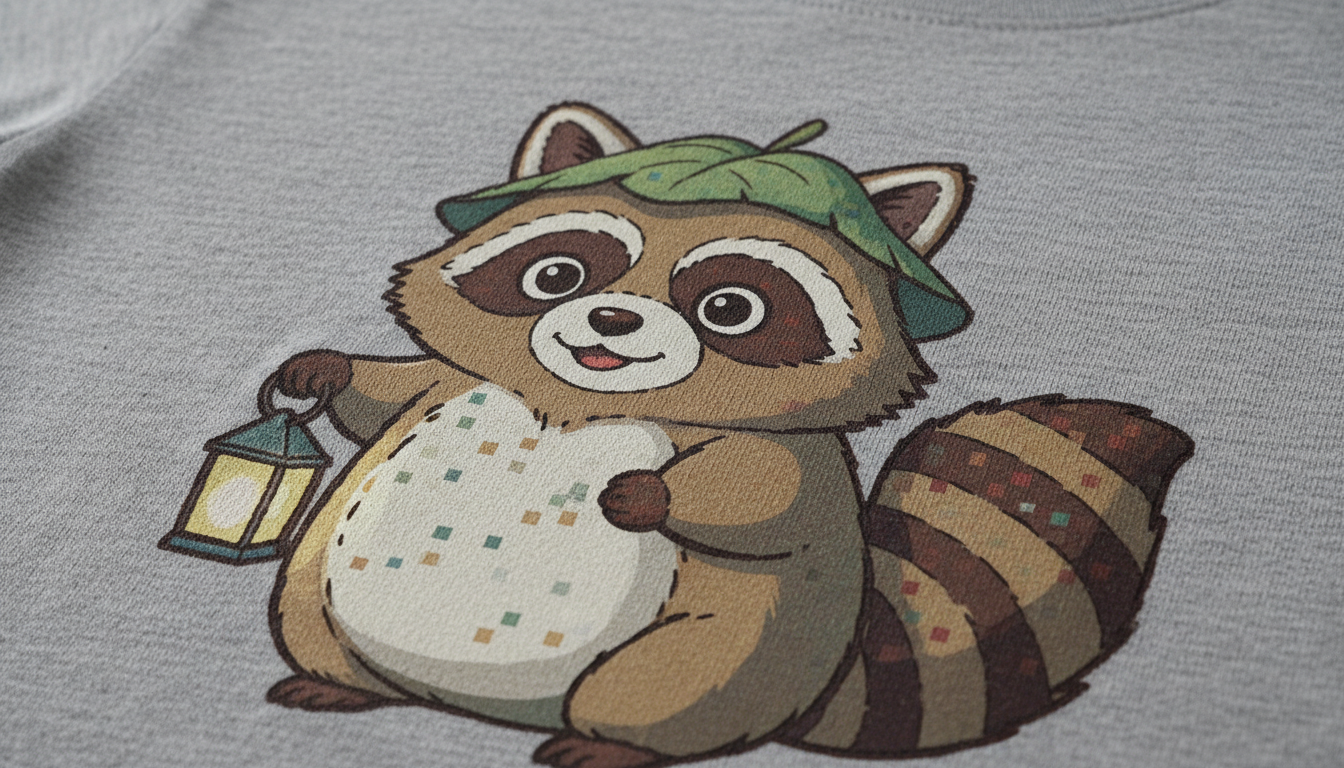
MerchBanao exports a 4200 × 4800 pixel PNG. If a printer requests 300 pixels per inch, those dimensions map to 14 × 16 inches. At a different physical size, the effective pixel density changes.
| Intended print size | Pixels needed at 300 PPI | How the export fits |
|---|---|---|
| 10 × 12 in | 3000 × 3600 | Enough pixels; scale down in the product tool |
| 12 × 16 in | 3600 × 4800 | Enough height; leave horizontal breathing room |
| 14 × 16 in | 4200 × 4800 | Matches the export dimensions |
| 15 × 18 in | 4500 × 5400 | Needs a larger file or a smaller placement |
Printful explains that resolution must be judged at the actual physical print size. Printify likewise says dimensions differ by product and print area, so sellers should use the requirements in the Product Creator.
A large file can still contain broken letters, blurred source art, rough transparent edges, or colors that print differently from the screen. Pixel dimensions are one check, not a quality certificate.
#Transparent Artwork and Shirt Mockups Solve Different Problems
The export is the artwork file. The shirt preview is a placement check. Do not upload the mockup as the print file, and do not assume the mockup predicts the exact color, texture, or printable area of a provider's garment.
Redbubble's current file guidance says transparency requires PNG and that each product has its own pixel thresholds. It also says DPI and PPI metadata do not affect the uploaded image. Read the live dimensions and format guidance before enabling products.
- Zoom in and inspect the full transparent edge
- Preview on every garment color you intend to offer
- Leave enough margin around the artwork for the selected placement
- Use the provider's own product preview as the final digital check
- Order a physical sample when color, fine detail, or placement matters
#Run a Rights and Quality Check Before Uploading
A generator can produce a familiar character, logo, signature, or phrase even when you did not ask for one. Inspect the output rather than treating the tool as a rights filter.
The U.S. Copyright Office says prompts alone generally do not provide enough control over expressive elements for copyright in the resulting material. Human-authored selection, arrangement, and creative modifications may qualify case by case. Read the AI copyrightability report and use the T-shirt copyright and trademark checklist for a practical pre-publish screen.
- Read every generated word and inspect small details at 100% zoom
- Remove recognisable third-party characters, logos, products, and signatures
- Search the final phrase and close variants for relevant trademark use
- Keep the prompt, raw output, edits, licences, and final file together
- Check the marketplace's current AI disclosure and content rules
#When to Use AI and When to Use Other Design Software
| Job | Useful starting tool | Reason |
|---|---|---|
| Explore original illustration directions | AI generator | Creates several visual starting points from a brief |
| Correct wording and composition | Layered editor | Keeps text and artwork independently editable |
| Build exact vector paths or cut files | Vector software | Provides path-level control and scalable vector output |
| Prepare screen separations | Printer-approved software | Handles spot colors and method-specific separations |
| Place art on a POD product | Provider product tool | Uses the current product template and print area |
| Judge the finished garment | Physical sample | Shows real placement, fabric, ink, and color |
An AI T-shirt design generator is most useful at the start of this chain. MerchBanao carries that draft through text editing, layering, transparency, a shirt preview, and a large PNG export. Your printer's template and a physical sample finish the job.
How It Works
A browser workflow for an artwork draft
Prompt it
Describe your vision in text.
Refine it
Tweak colors, layout and text.
Export and check
Download a 4200 × 4800 PNG, then check the product template.
Frequently Asked Questions
Everything you need to know about ai t shirt design generator
Related Tools & Guides
Everything you need to design, launch & sell
Print-Ready AI Designs
Pixel math and product-specific file checks
Free AI T-Shirt Generator
Check the current free-tier workflow and limits
AI Shirt Design
Prompt to print-ready shirt graphic
AI T-Shirt Design Ideas
Niche concepts and prompts for POD selling
How to Design a T-Shirt with AI
Step-by-step guide from prompt to POD
Remove Background from T-Shirt Design
Inspect and clean transparent PNG edges
Ready to turn this guide into
a print-ready design?
One free generation credit after account verification