Make an AI Design Print-Ready
MerchBanao gives you a connected path from prompt to a 4200 × 4800 transparent PNG. Print readiness still depends on the exact product template, effective resolution, clean edges, rights review, and a physical sample.
#The Importance of Print-Ready AI Designs
- Product-specific pixel dimensions
- Effective resolution at placed size
- Transparency and edge inspection
- Provider template and sample review
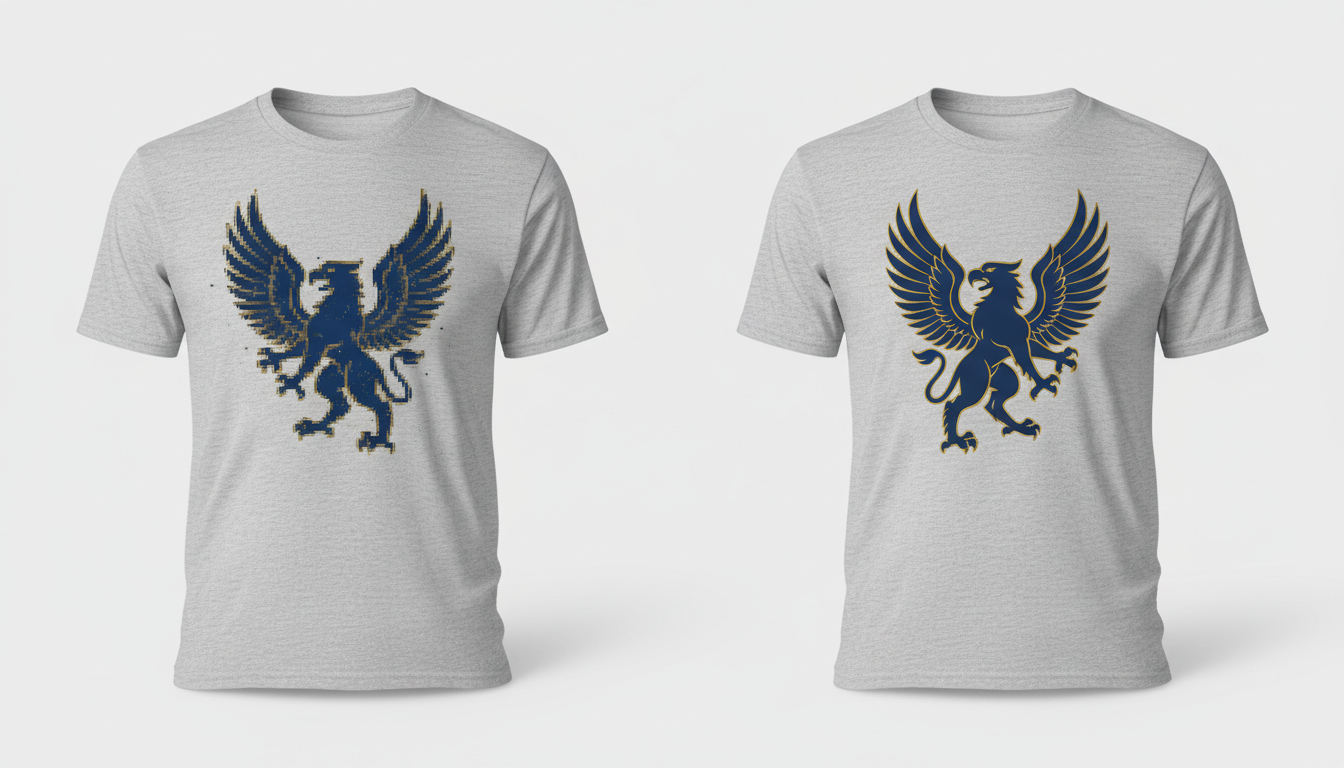
#What MerchBanao Handles—and What You Check
- MerchBanao: generation and editor
- MerchBanao: background removal and preview
- You: spelling, artifacts, and rights
- You: product template and physical sample
#Prepare Files for the Target POD Product
MerchBanao exports a fixed 4200 × 4800 transparent PNG. That is enough for a 14 × 16 inch print area at 300 pixels per inch, but it must still be checked and adapted to the exact Printify, Printful, Redbubble, or other product template.
Not sure what makes a file truly print-ready? Read our complete guide to print-ready t-shirt designs.
- 4200 × 4800 artwork master
- Check Printify product template
- Check Printful product template
- Recompose for Amazon's current canvas
How It Works
A browser workflow for an artwork draft
Prompt it
Describe your vision in text.
Refine it
Tweak colors, layout and text.
Export and check
Download a 4200 × 4800 PNG, then check the product template.
Frequently Asked Questions
Everything you need to know about print ready ai designs
Related Tools & Guides
Everything you need to design, launch & sell
Printify Design Tool Guide
Compare Product Creator with an external AI artwork workflow
AI Design Tool for Printful
Prepare external artwork for Printful product templates
Remove Background from T-Shirt Design
Inspect and clean transparent PNG edges
T-Shirt Mockup Generator
AI-generated designs with instant preview on realistic mockups
Ready to turn this guide into
a print-ready design?
Then check it against the target product template