AI Design Tool for Printful
Use MerchBanao to generate artwork, remove the background, edit the layout, preview a shirt, and export a 4200 × 4800 PNG. Then check the current Printful template for the exact product and print area before publishing.
#Printful Design File Requirements
Printful has strict design file guidelines to ensure consistent print quality across their DTG (direct-to-garment), embroidery, and sublimation printing methods. For t-shirts and hoodies using DTG printing:
- Format: PNG (preferred), PDF, or SVG for DTG; DST or EMB for embroidery
- Resolution: 150 DPI minimum, 300 DPI recommended for best quality
- Color mode: sRGB for DTG printing
- Background: Transparent (PNG) for most products
- Print area: 12 × 16 inches for standard t-shirt front (3600 × 4800 px at 300 DPI)
Printful also offers an automated mockup generator that previews how your uploaded design will look on the final product — extremely useful for listing photos.
#Designing for Multiple Printful Products with AI
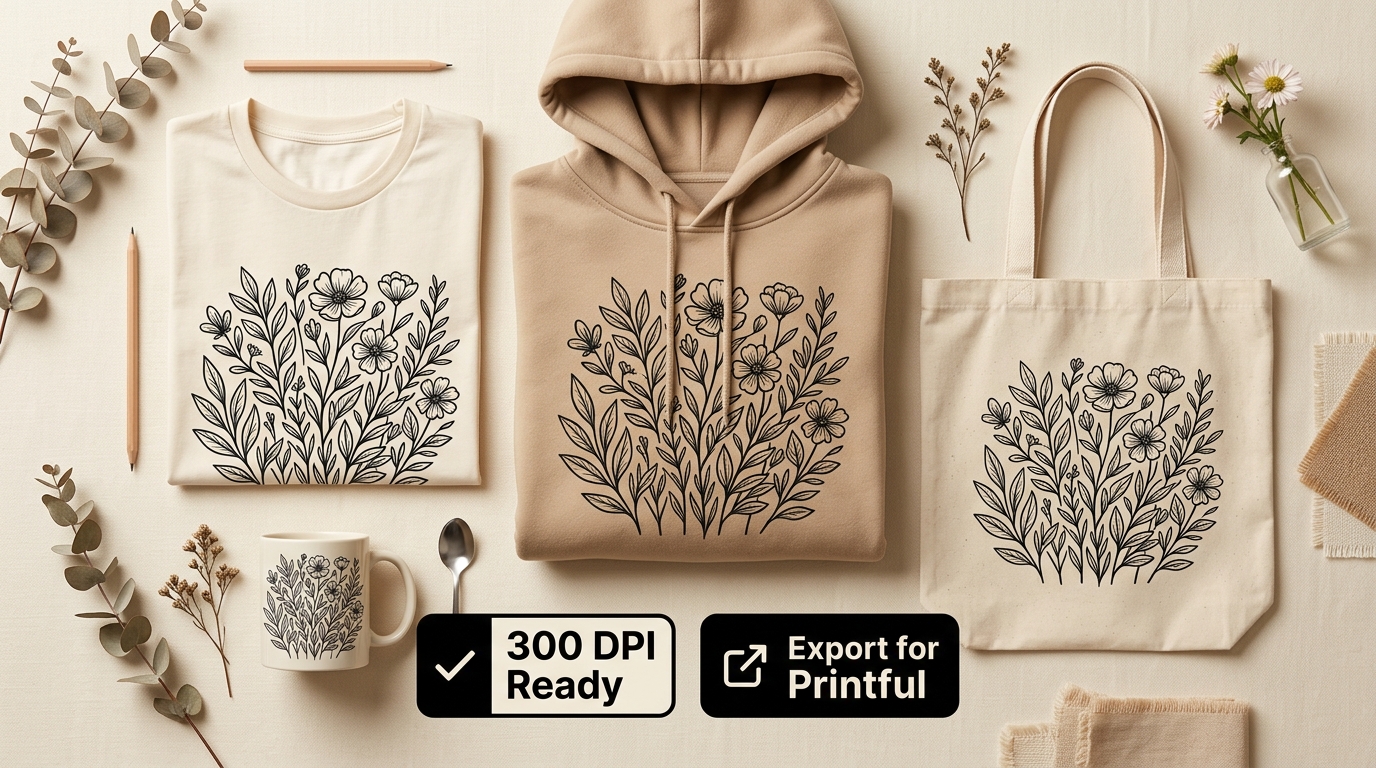
One major advantage of AI design tools for Printful sellers is the ability to reuse a single graphic across multiple product types. The same design file can be applied to:
- T-shirts — DTG printing, best for detailed multi-color graphics
- Hoodies — DTG printing, slightly more saturated than tee output
- Tote bags — sublimation or DTG depending on material
- Mugs — sublimation printing, requires all-over wrap design
- Phone cases — sublimation, requires 1080 × 1920 px minimum
- Posters — fine art printing, requires 300 DPI at full poster size
- Canvas prints — museum-quality printing, 300 DPI required
- Stickers — die-cut, 300 DPI transparent PNG
#AI vs Printful's Built-in Design Maker
Printful includes a basic design maker in its product builder. It allows text placement, clipart, and uploading your own files — but it does not generate original AI artwork.
For sellers who need original, unique designs for competitive markets, the Printful design maker is insufficient. It provides generic clipart that thousands of other sellers use, creating undifferentiated listings.
MerchBanao covers the upstream artwork workflow: generate a draft, remove the background, edit the layout, preview it on a shirt, and export a 4200 × 4800 PNG. Then place that file in Printful's current product template and review originality, rights, placement, and the physical sample.
- Generate and compare artwork directions before final production setup
- Consistent brand aesthetic across all product types
- Background removal handles complex edges cleanly
- 4200 × 4800 PNG for checking against the chosen Printful template
- Keep prompts and source records, and review every design for third-party rights
How It Works
A browser workflow for an artwork draft
Prompt it
Describe your vision in text.
Refine it
Tweak colors, layout and text.
Export and check
Download a 4200 × 4800 PNG, then check the product template.
Frequently Asked Questions
Everything you need to know about printful design tool ai
Related Tools & Guides
Everything you need to design, launch & sell
POD AI Design Tool
An artwork workflow for POD product templates
Print-on-Demand Design
Create artwork, check templates, and sample the product
Amazon Merch Design Size
Prepare 4500×5400 artwork without stretching the source file
Printify Design Tool Guide
Compare Product Creator with an external AI artwork workflow
Print-on-Demand Business Guide
Plan a POD launch without holding inventory
Printify vs Printful
Compare the two biggest POD platforms — pricing, quality, integrations
Ready to turn this guide into
a print-ready design?
One starter generation credit; check the selected Printful template