How to Sell on TeePublic
Create the account, publish a careful first collection, and share the direct store link. TeePublic decides whether the account is Apprentice or Artisan, and only Artisan accounts are eligible for on-site search. Here is the current workflow, including earnings and file rules.
#How Selling on TeePublic Works
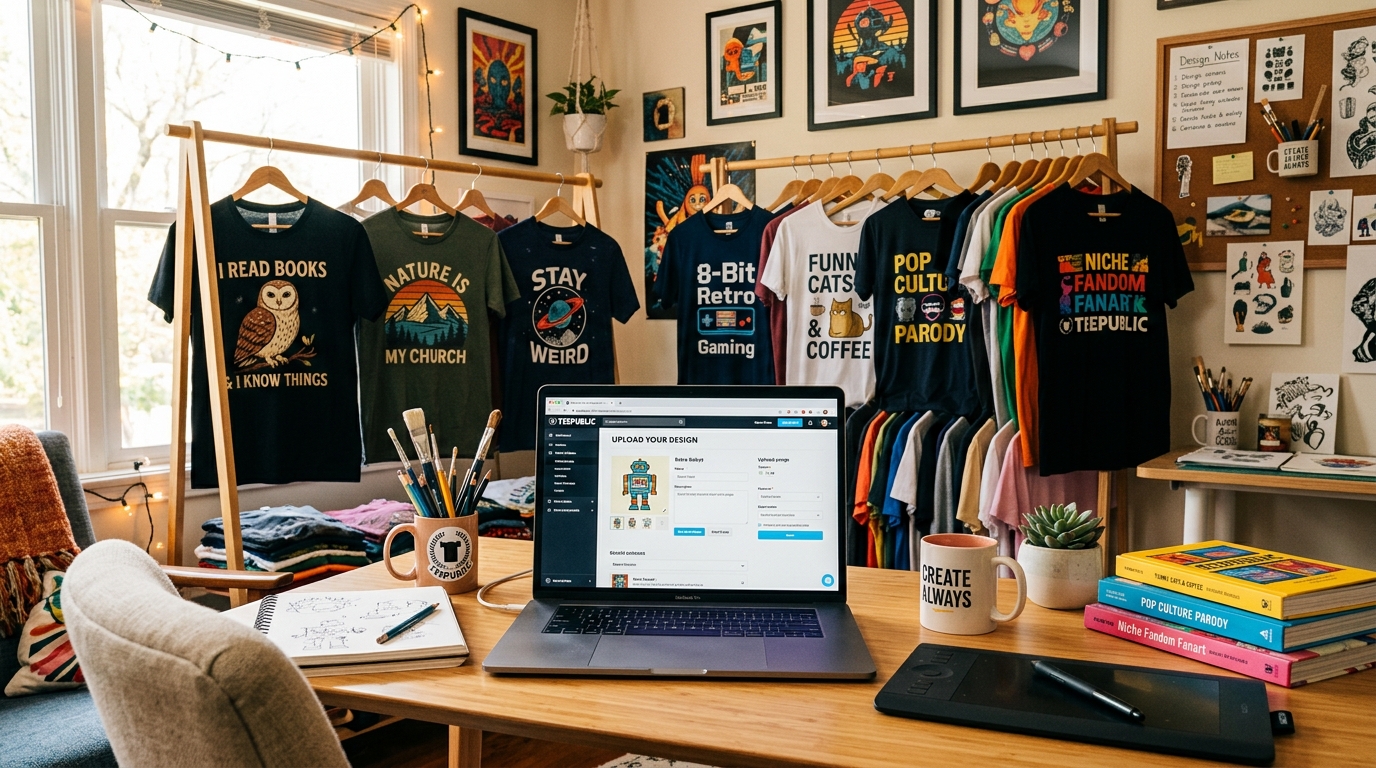
To sell on TeePublic, create an artist account, prepare original artwork you have the right to use, upload a PNG, complete the product previews and listing details, then publish. TeePublic handles the storefront transaction, printing, shipping, and customer order support.
TeePublic says joining, uploading, and selling are free. That means no listing fee, but it does not mean every account has marketplace search visibility or the same earnings.
- Create the account and complete the artist profile
- Upload an accurate sample of the work you plan to sell
- Check every enabled product preview before publishing
- Share the direct store link while the account is reviewed
#Account Review Comes Before On-Site Search
Your account becomes Pending after its first upload. The store is live by direct link, but Pending accounts are not eligible for TeePublic search. TeePublic recommends a profile image, banner, bio, social links, and at least ten designs to initiate review, though it says not all are required.
TeePublic assigns either Apprentice or Artisan. Only Artisan accounts are eligible for on-site search. The current account-category guide says the decision considers factors such as design quality, artistic skill, upload volume, and consumer appeal. It is not based on sales alone.
- Pending: store active by link, not eligible for on-site search
- Apprentice: store active, not eligible for on-site search
- Artisan: eligible for on-site search
- TeePublic does not normally accept category-upgrade requests
#TeePublic Earnings and Payments
Artists cannot set product prices on TeePublic. Products have a regular price and a sale price, and artist earnings vary by product, sale state, and account category. Artisan accounts earn more than Apprentice accounts on most products. Pending accounts use the Apprentice earnings structure.
Use TeePublic's live earnings chart for current amounts. TeePublic's payment guide says earnings are paid monthly through PayPal or Payoneer on the 15th for sales from the previous calendar month.
- No artist-set price or markup
- Regular-price and sale-price earnings differ
- Account category changes earnings on most products
- Check the live chart before forecasting a payout
#Prepare a TeePublic Artwork File
TeePublic asks for a high-resolution transparent RGB PNG at 150 DPI. The minimum is 1500 × 1995 pixels after excluding transparent pixels around the artwork. A file must be at least 5000 × 5500 to enable all products, and several product types still need their own aspect ratio or dimensions.
MerchBanao exports a fixed 4200 × 4800 PNG. Use it as a working file, not as an automatic all-products guarantee. Compare the artwork with TeePublic's current product-dimensions guide, adapt the canvas where needed, and inspect the uploader previews.
- Transparent PNG in RGB
- At least 1500 × 1995 pixels excluding outer transparency
- At least 5000 × 5500 to enable all products
- Product-specific crops and files still need inspection
#Write the Listing for the Artwork You Made
The uploader asks for a title, a main tag, secondary tags, default product colours, and product placement. TeePublic says tags power its marketplace search and places particular weight on the main tag. Use the phrase that most precisely describes the actual subject or style. Do not paste a loose list of popular searches.
Search relevance cannot override account eligibility. A careful main tag helps an eligible listing match a query, but Pending and Apprentice work still does not appear in on-site search. Keep the title readable, choose relevant tags, and use your store link for promotion.
- Name the concrete subject and style
- Choose one precise main tag
- Add only secondary tags that describe the artwork
- Check placement and colour contrast on each product
#Publish Carefully, Then Inspect the Result
TeePublic currently caps uploads at 25 designs per 24 hours for Pending and Apprentice accounts and 50 for Artisan accounts. A cap is not a target. Your first uploads influence account review, so a smaller, coherent set is more useful than a rushed batch.
Publish only work you have the necessary rights to use. Review the current legal guidance and order a product before making print-quality claims. Use the print-on-demand sample checklist to record placement, colour, measurements, print defects, and the listing changes you need.
- Check title, tags, default colours, and every enabled product
- Open the published listing and store link in a private browser
- Record the account category shown in the earnings dashboard
- Inspect a sample before relying on mockups for quality claims
How It Works
A browser workflow for an artwork draft
Prompt it
Describe your vision in text.
Refine it
Tweak colors, layout and text.
Export and check
Download a 4200 × 4800 PNG, then check the product template.
Frequently Asked Questions
Everything you need to know about how to sell on teepublic
Related Tools & Guides
Everything you need to design, launch & sell
Best AI for Redbubble
Transparent PNG exports for Redbubble
Merch Niche Ideas 2026
Audience and product directions to validate
How to Sell on Redbubble
Complete guide: specs, SEO, niches, and royalties explained
AI Sticker Design Generator
Transparent PNG sticker art for Redbubble and Printify die-cuts
Redbubble vs TeePublic
Compare account fees, search eligibility, earnings, and files
Ready to turn this guide into
a print-ready design?
Then Adapt and Inspect the TeePublic File